Lab can be found at: https://webverselabs-pro.com/

Step 1 is simply to load up the webapp:
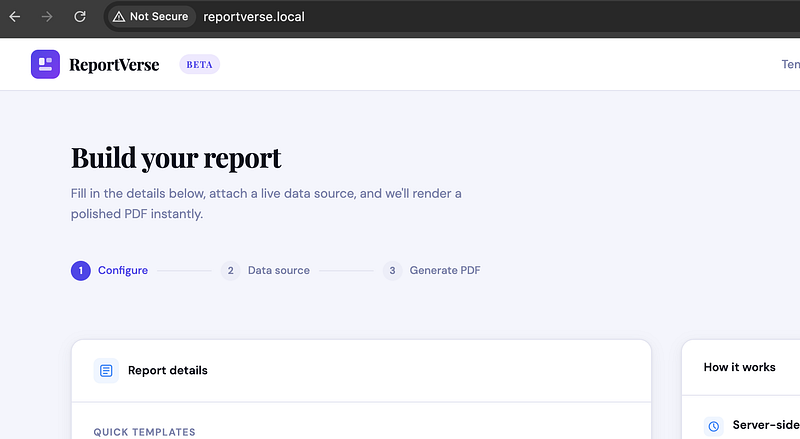
It’s pretty obvious what this app does and the app tells you upfront. It’s going to generate you a PDF using some of its internal software. Great! The Data source URL should be an external endpoint. But what happens if we give it an internal address such as http://127.0.0.1 ?
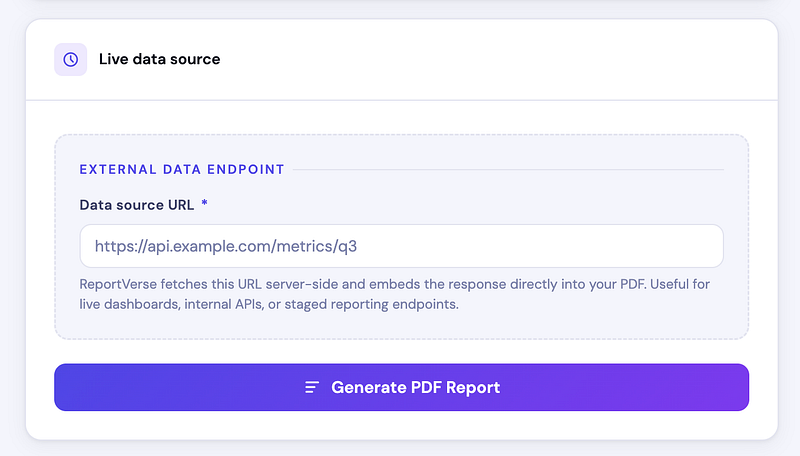
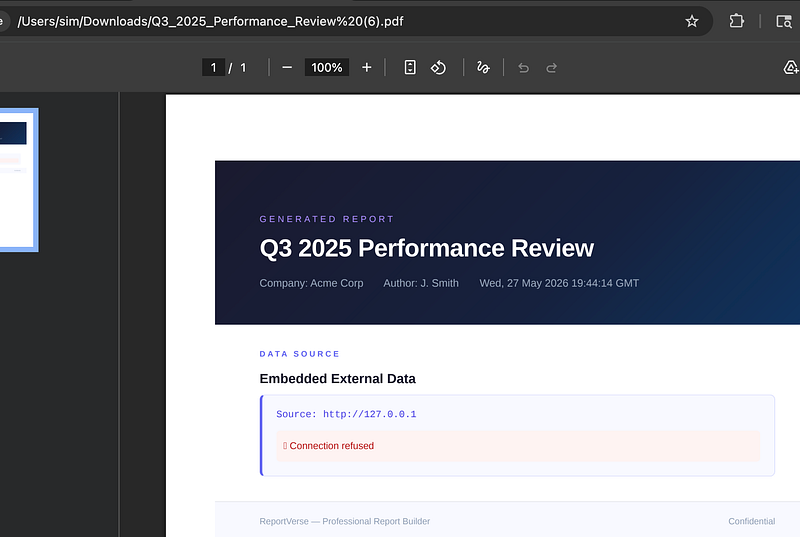
We get a PDF, but we get a “Connection refused” error within the PDF. Interesting. If we get a connection refused, maybe it’s possible to get a Connection accepted?
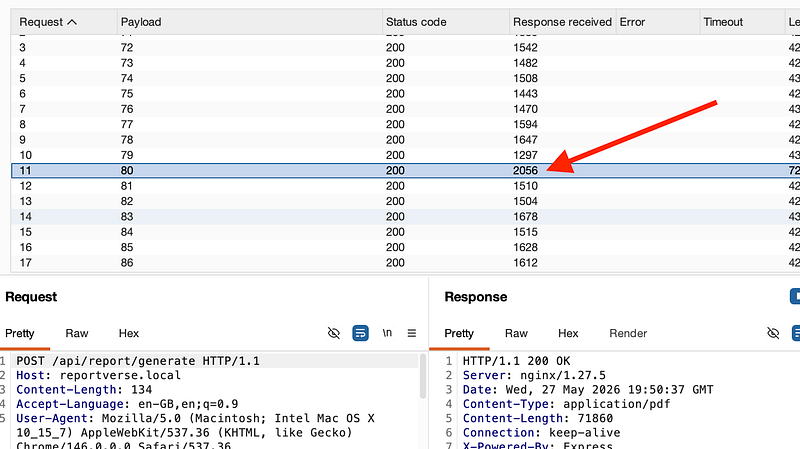
This time, type in http://127.0.0.1:1 because we’re going to try all ports between 1 and 10,000. This can take a considerable amount of time, so fo r the purpose of this lab and learning lesson, go with port 8000 to port 8100 (via intruder, or automate if you’re using Caido).
When port 8080 is hit, you’ll see a response received that stands out above the others due to its size.
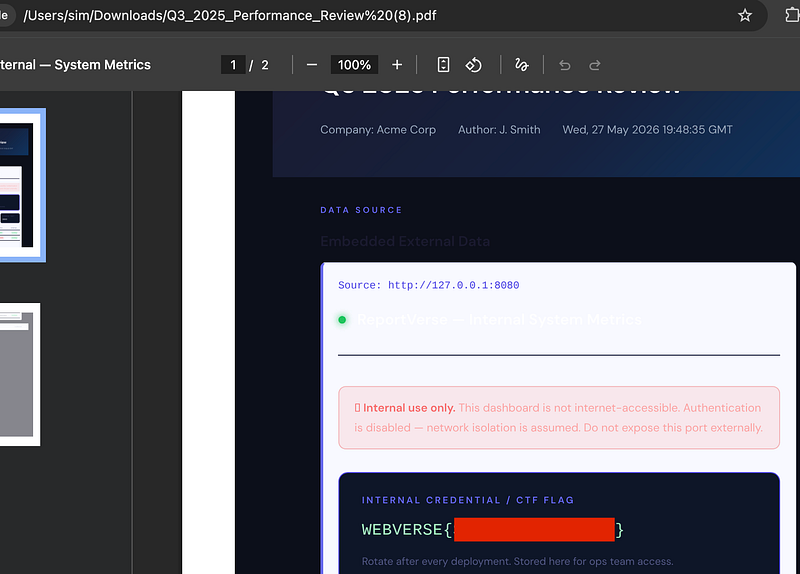
Generate the PDF via the app using http://127.0.0.1:8080 and take a look in the PDF. You’ll be rewarded with the flag:
Thanks for following along!
🍺 Quick message to readers: if my writeups help you, please consider a small donation to my buymeacoffee link here. This is not required but is very much appreciated! 🍺



